Walk into many offices in Milton Keynes, and you'll still hear it: the hum of a dusty server tower sitting in a corner or a cupboard. For a modern business, relying on one physical box in the office creates avoidable continuity, backup and access risks.
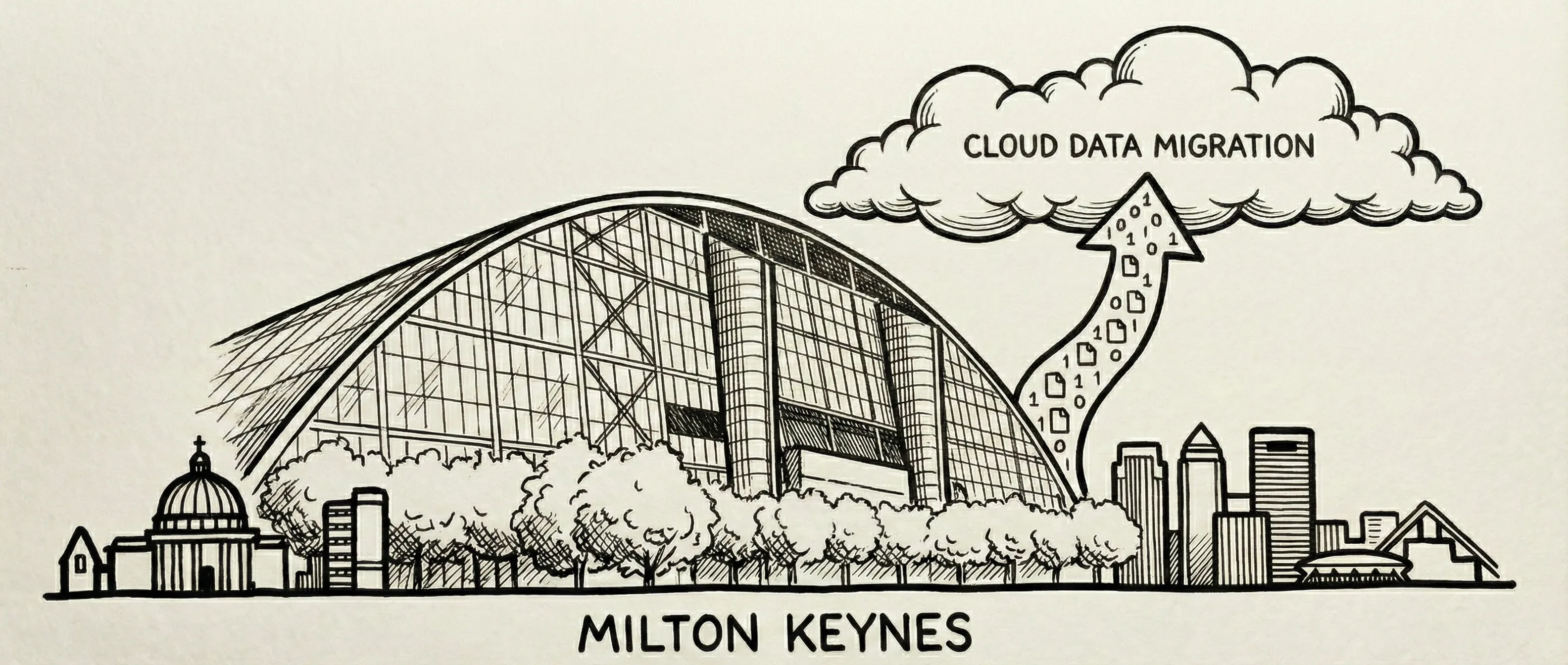
The Risk of "On-Premise"
Physical servers are vulnerable. A power cut, a flood, a break-in, or just a hardware failure can take your business offline for days. And let's be honest, when was the last time you actually tested your backup tapes?
Why Cloud?
Cloud Migration simply means moving your files and software to secure data centres run by giants like Microsoft (Azure) or Amazon (AWS).
1. Security
Microsoft spends billions on security. Your office cupboard does not. Cloud storage is encrypted, redundant (copied to multiple locations), and protected by world-class firewalls.
2. Remote Work
Hybrid working is here to stay. With cloud files (SharePoint, Google Drive), your team can access the same documents from home, the office, or a client site securely. No more clunky VPNs or emailing files to yourself.
3. Cost
Buying a new server costs thousands. Cloud is a monthly operating expense. You pay for what you use. If you need more space, you click a button. You don't need to buy a new hard drive.
But is it safe?
This is the most common question we get. The answer is yes, if it is set up properly. Security in the cloud relies on identity. We set up Multi-Factor Authentication (MFA) and strict access controls so that only your staff can access your data, no matter where they are.
Cloud Readiness
Time to retire the server?
We can migrate your files, emails, and databases to the cloud with zero downtime. Get a free consultation to see how much you could save.
Book a Consultation