Connected software should make everyday work easier, not create another dashboard to check. We help your website, CRM, accounts package, staff tools and AI assistants pass the right information to the right place.
ShipMyCar proof point
We built the connected quote flow behind AI-assisted vehicle quotes.
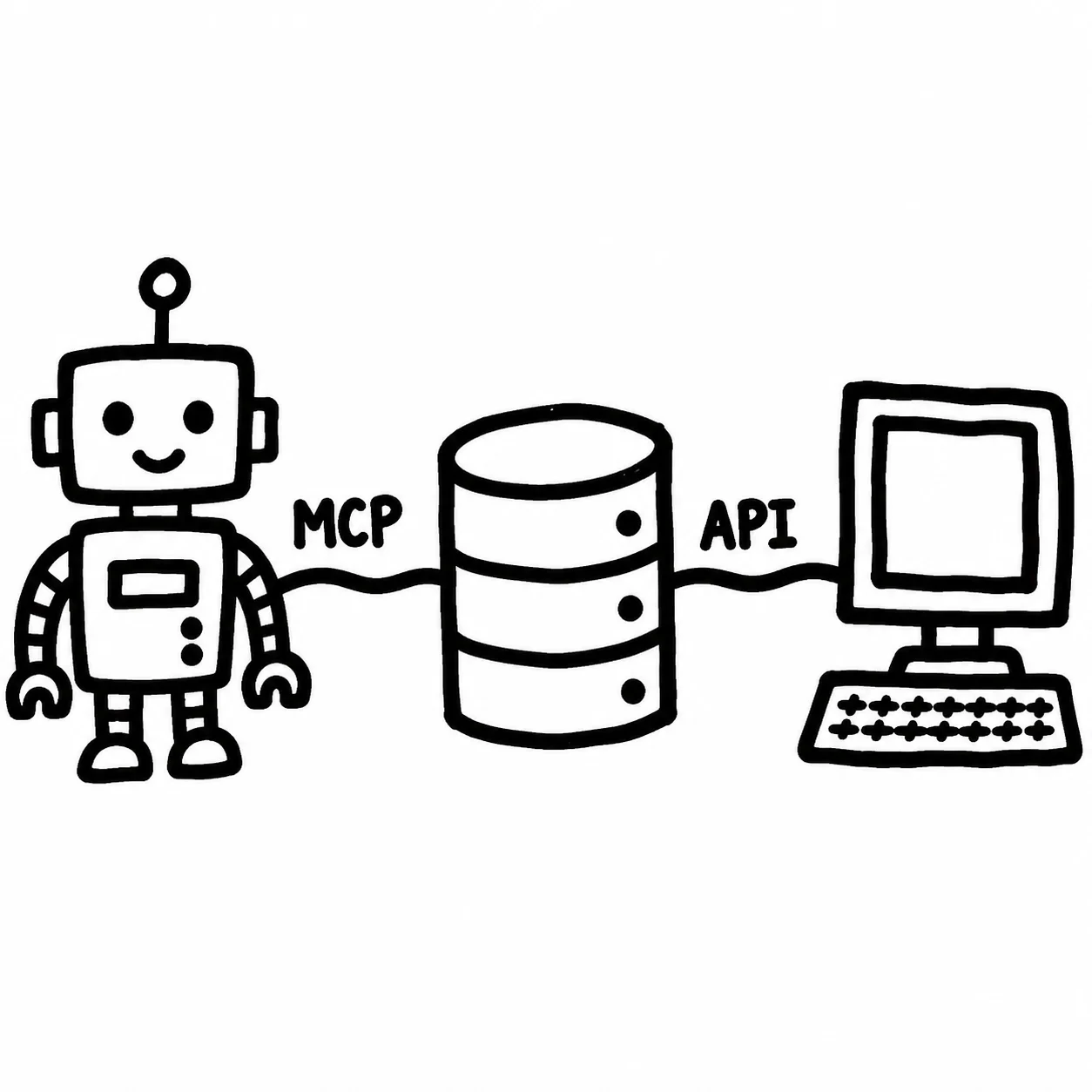
ShipMyCar needed more than a standard contact form. The platform can collect route, vehicle and contact details, check what is missing, prepare pricing through the existing quote system, and send the customer back to ShipMyCar to continue.
A quote connector that collects the right vehicle and route details before pricing.
An AI-ready flow that asks for missing details instead of guessing.
Checks around supported routes, required services and customer confirmation.
A clean hand-off from an AI conversation back to the ShipMyCar website.
What This Means For Your Business
If your team copies the same details between a website, spreadsheet, customer database, accounts package and inbox, there is probably a better way to join it up. We build the safe bridge that lets those systems talk, so staff stop working around exports.
For an AI workflow, the important question is not "can we add AI?" It is "what should the assistant be allowed to do, what must be checked first, and when should a person take over?"
How We Build It
Agree what should happen
We define the business action first: what information is needed, what can be optional, and what your team needs to see if something cannot be completed.
Limit what AI can do
We do not give an assistant unlimited access. We create narrow actions with plain-English rules, checks and safe responses.
Add sensible checks
Logins, usage limits, records of important actions and confirmation steps keep automation controlled.
Connect the real workflow
The useful part is the hand-off: CRM records, quote links, accounts updates, dashboards or team notifications that fit how the business already works.
Useful Connected-System Projects
Partner access
Let trusted partners submit jobs, request quotes, check availability or create records safely.
CRM and Xero bridges
Move customer, invoice, quote and payment data without manual retyping.
AI quote tools
Let assistants collect missing details and prepare clear requests for your systems.
Common Questions
What is an AI connector?
It means giving an AI assistant a safe, limited way to use selected business tools, such as quote systems, booking forms, stock lists, accounts software or internal notes.
Do I need an AI connector or a normal software connection?
Many businesses need a practical connector first. Sometimes that is a normal software connection for websites and partners; sometimes it is an AI-ready connector with extra approval steps.
Can you connect this to Xero, CRM or quoting software?
Yes. We build connectors around real workflows: quote creation, customer records, CRM updates, payment links, Xero draft invoices, document checks and follow-up tasks.
Is it secure to expose business tools to AI?
It can be, if it is tightly controlled. We limit what the assistant can do, check the information it receives, log important actions and require confirmation where needed.
Make Your Systems Work Together
Tell us which systems you use, where staff are retyping data, and whether the connector is for your website, partners, internal team or AI assistants. We will map the smallest useful build.
Start The Conversation